

Reduck MCP: the memory layer to make Agents 2-3x faster for browser tasks
Reliable and fast browser use is still a challenge
Today, even if agents can use Computer Use to automate sites with no API — Amazon, Reddit, your custom ERP — Computer Use is inadequate for complex and heavy workloads because it’s:
- Slow — every click is a loop: screenshot, think, click, screenshot again
- Expensive — screenshots and page snapshots go into context at every step, so a task burns tokens and hits rate limits
- Flaky — results vary from run to run and get worse as the context grows
Agents have no memory layer for the browser

At the heart of it, agents are slow and unreliable at Computer Use because they:
- Waste time learning how a website works — that invoices are found by clicking “Settings”, scrolling all the way down, and clicking “Billing”.
- Waste time redoing the action — even with a Skill that stores how to navigate, the agent still makes several tool calls to click and type, and its context floods with screenshots.
Introducing Reduck MCP
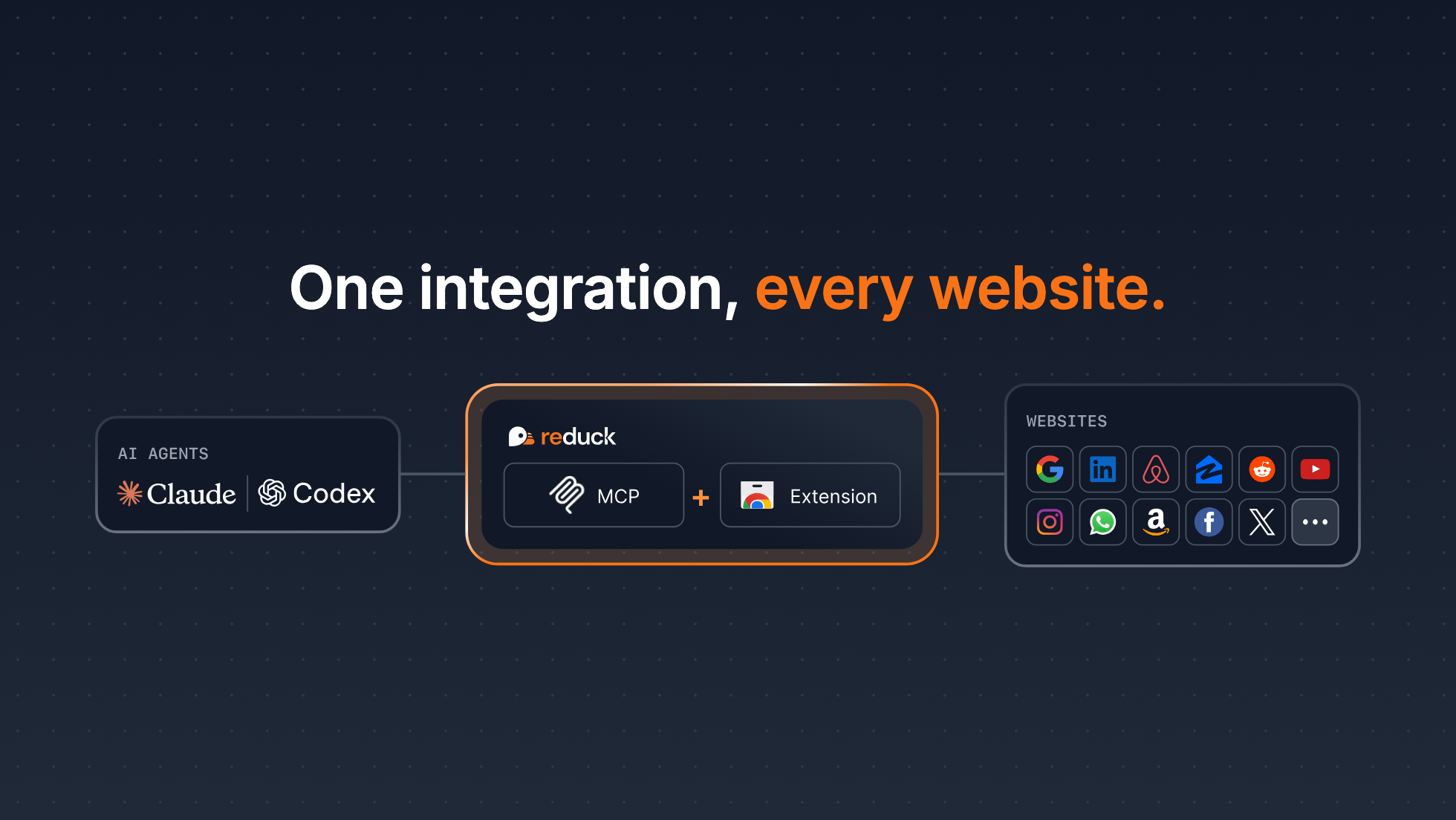
That’s why we built Reduck MCP, the memory layer for browser actions.
Reduck MCP lets agents discover, run, and create browser automation scripts that are exposed as tools. This solves both issues above: agents learn once how a site works, then perform complex UI automation in a single tool call.
With Reduck MCP, agents are 2-3x faster on browser tasks.
Demo
Here is Claude with Reduck MCP, against Claude with the Claude for Chrome MCP, downloading 20 invoices from 5 providers:
You can replay this example live on Duck Voyager.
So how is Reduck 3.6x faster here?
- Scripts that already know the site — the script catalogue holds scripts that learned how each provider’s website works, so the agent calls
run_scriptinstead of navigating by trial and error. - Parallel execution —
run_scripttakes a batch of args, so scripts run in parallel on several tabs.
Create your own evals with Duck Voyager
To produce such evaluations and their 1:1 comparison, we wrote Duck Voyager, our open-source eval framework for web agents. Other examples are at voyager.reduck.ai.
It wraps the Claude Code SDK to launch agents on exactly the same prompts, except that “Use Reduck MCP” becomes “Use Claude for Chrome MCP”.
Evaluation is done with deterministic code when possible, or with custom labels from a human or an AI.
Our sample is small, so feel free to contribute your own data!
Get started in minutes
If you want to test Reduck MCP to automate complex flows on Reddit, WhatsApp, or LinkedIn, you can get started in literally minutes:
- Create an account at reduck.ai/#signin
- Install our Chrome extension and pair it with your account
- Install Reduck MCP
On Claude Code CLI:
claude mcp add reduck --transport http --scope user https://mcp.reduck.ai
On Codex CLI:
codex mcp add reduck --url https://mcp.reduck.ai
For other MCP clients, see our Onboarding Guide.
Start a new session and get going with your first automation. You can try a prompt like:
Using Reduck MCP, search on Google the top 3 latest posts of the week on "AI Agents" on LinkedIn. Then return the profiles of potential buyers of B2B AI agents.
Learn more
- Core concepts — key concepts, such as scripts and browser execution
- API — how to call Reduck scripts programmatically from HTTP endpoints instead of MCP calls
- CLI — a strong alternative for parallel calls, saving script run outputs to disk locally, and piping them to other apps
- Discord — chat with us about issues, ideas, and more